Menus
Update every table in seconds.
Change prices, specials and photos from your dashboard. No reprints.
BeforePrinted menus went out of date.
 Formula
For restaurants, bars, hotels and growing businesses
Formula is a tabletop screen that promotes your specials, takes guest orders and runs custom apps for your space, all managed from one dashboard.
Between ordering and paying, guests spend most of their visit glancing at a phone. Formula puts your menu, your offers and your service in that moment instead.
Change prices, specials and photos from your dashboard. No reprints.
BeforePrinted menus went out of date.
Desserts, drinks and add-ons appear at exactly the right moment.
BeforeUpsells got missed on busy nights.
Orders go straight to your team, and the status stays on the table.
BeforeGuests waited to catch a server.
The display, stand and base that every Formula solution runs on.
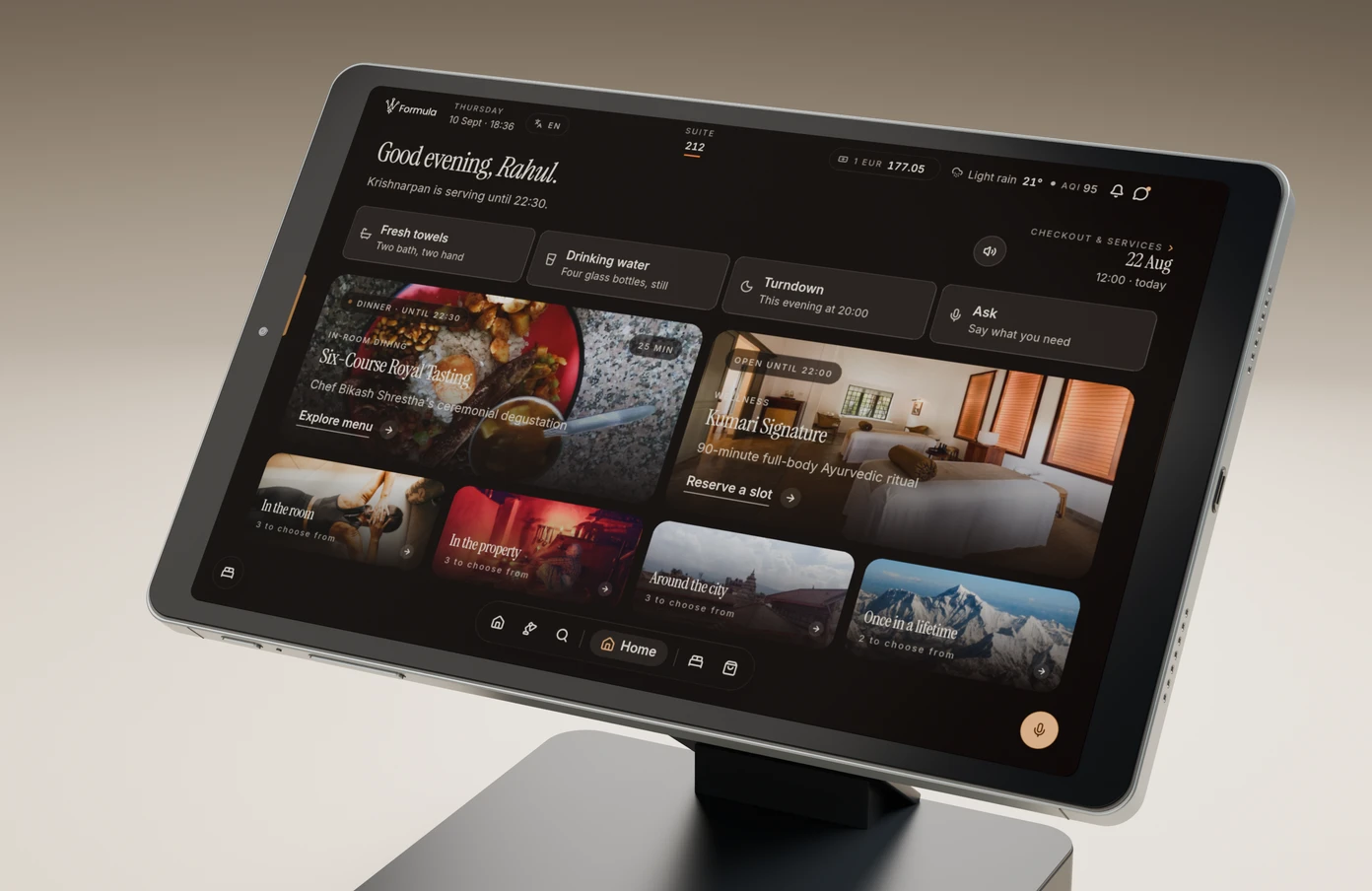
A clear, responsive display. An 8.4″ IPS screen with a 1200 × 1920 resolution and five-point touch.
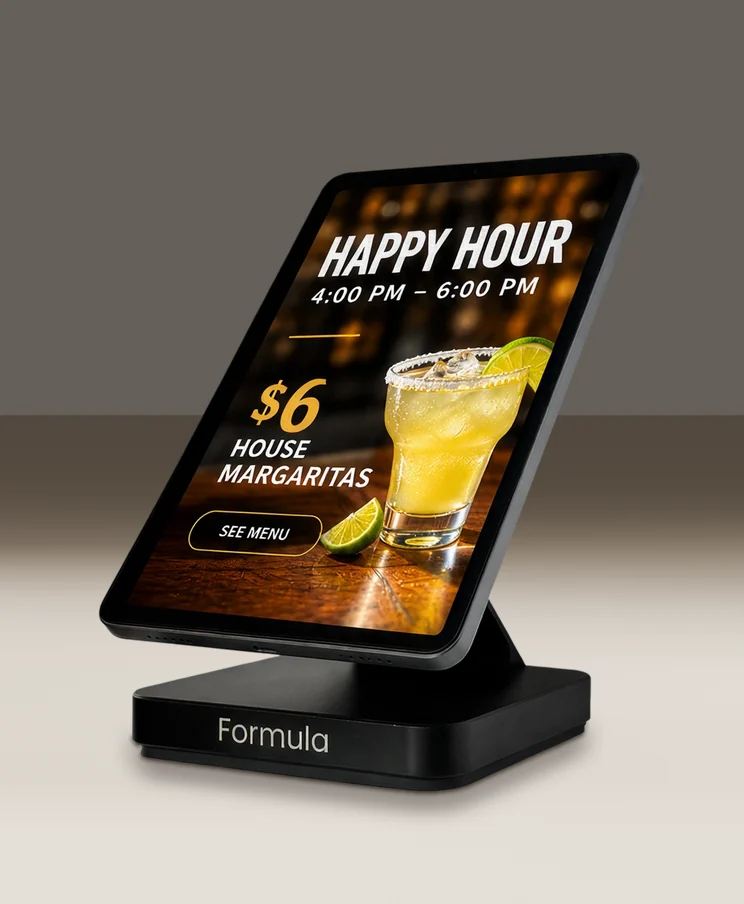
Portrait or landscape. Stands upright for menus, offers and signage.
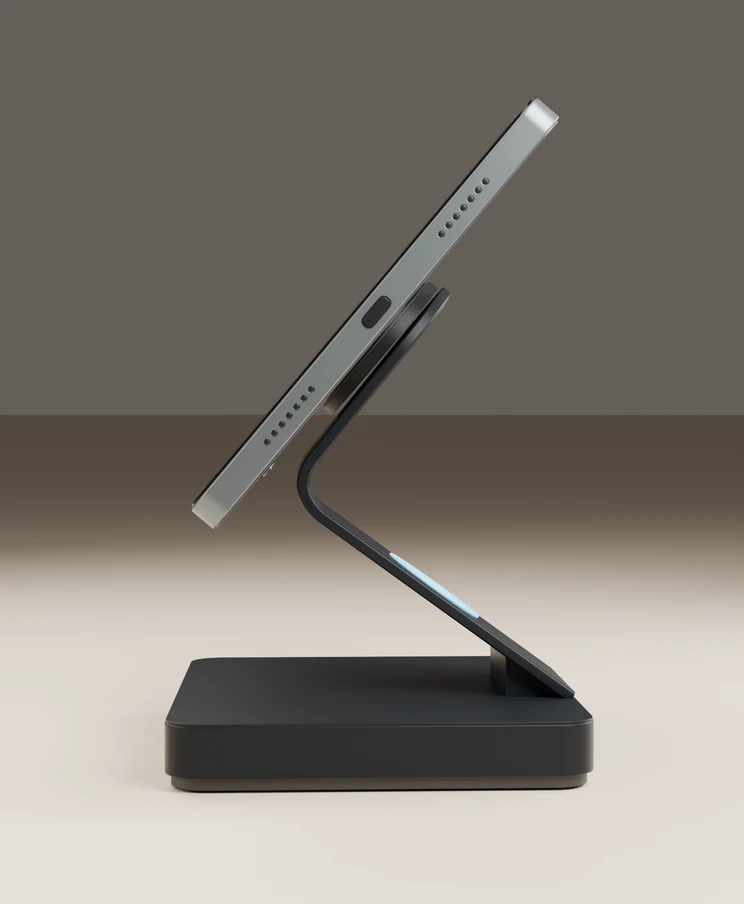
An angled stand. Positions the display for reading and ordering.
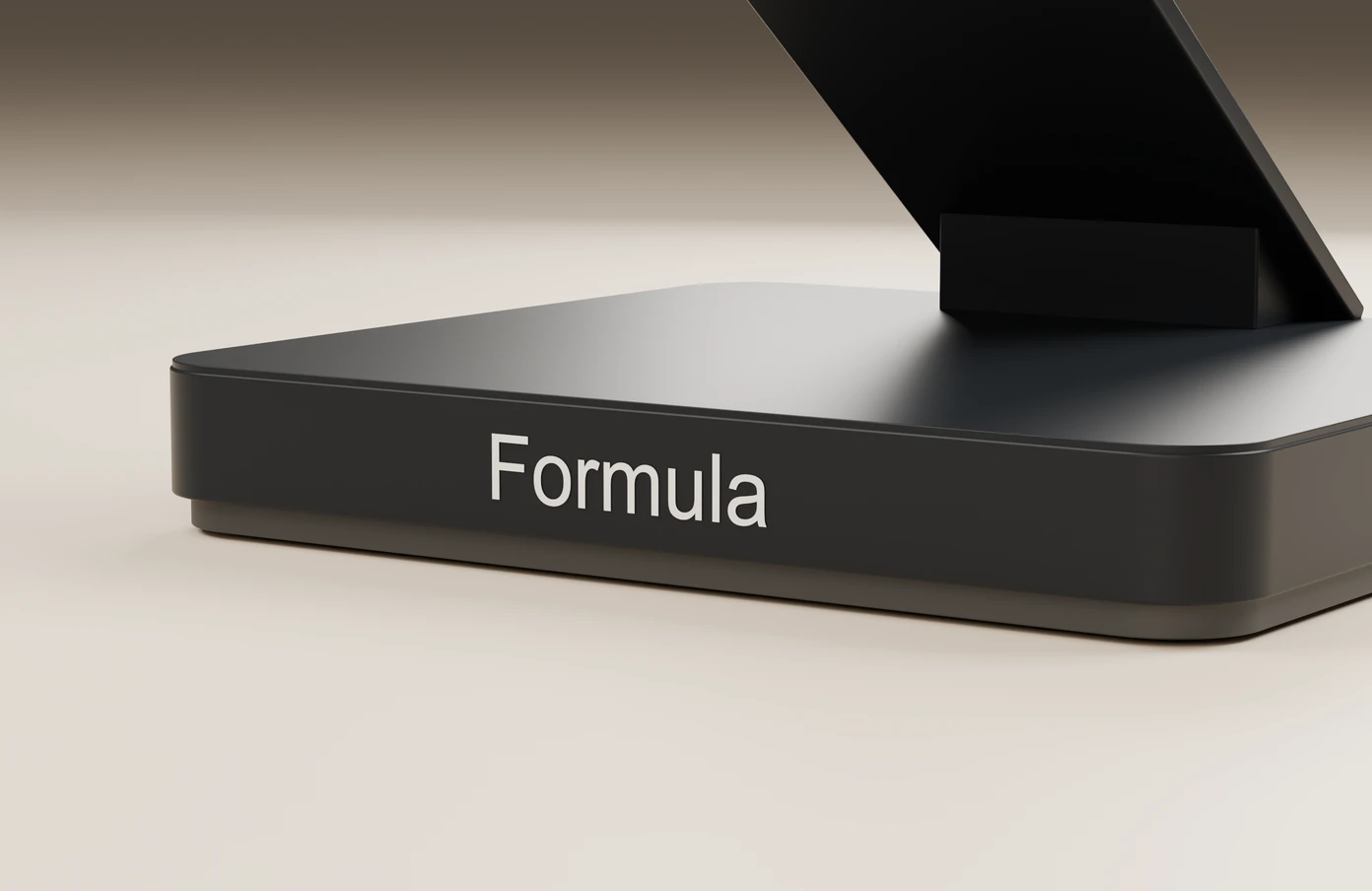
Machined aluminium base. CNC-machined, with a bead-blasted anodised finish.
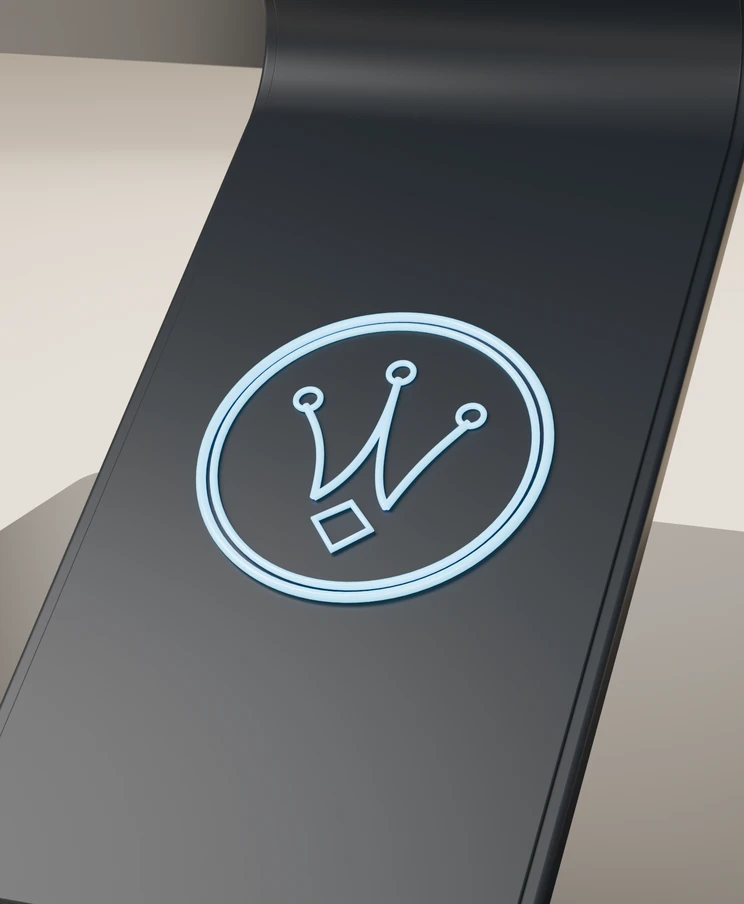
An illuminated signature. The Formula crown glows on the back of the stand.
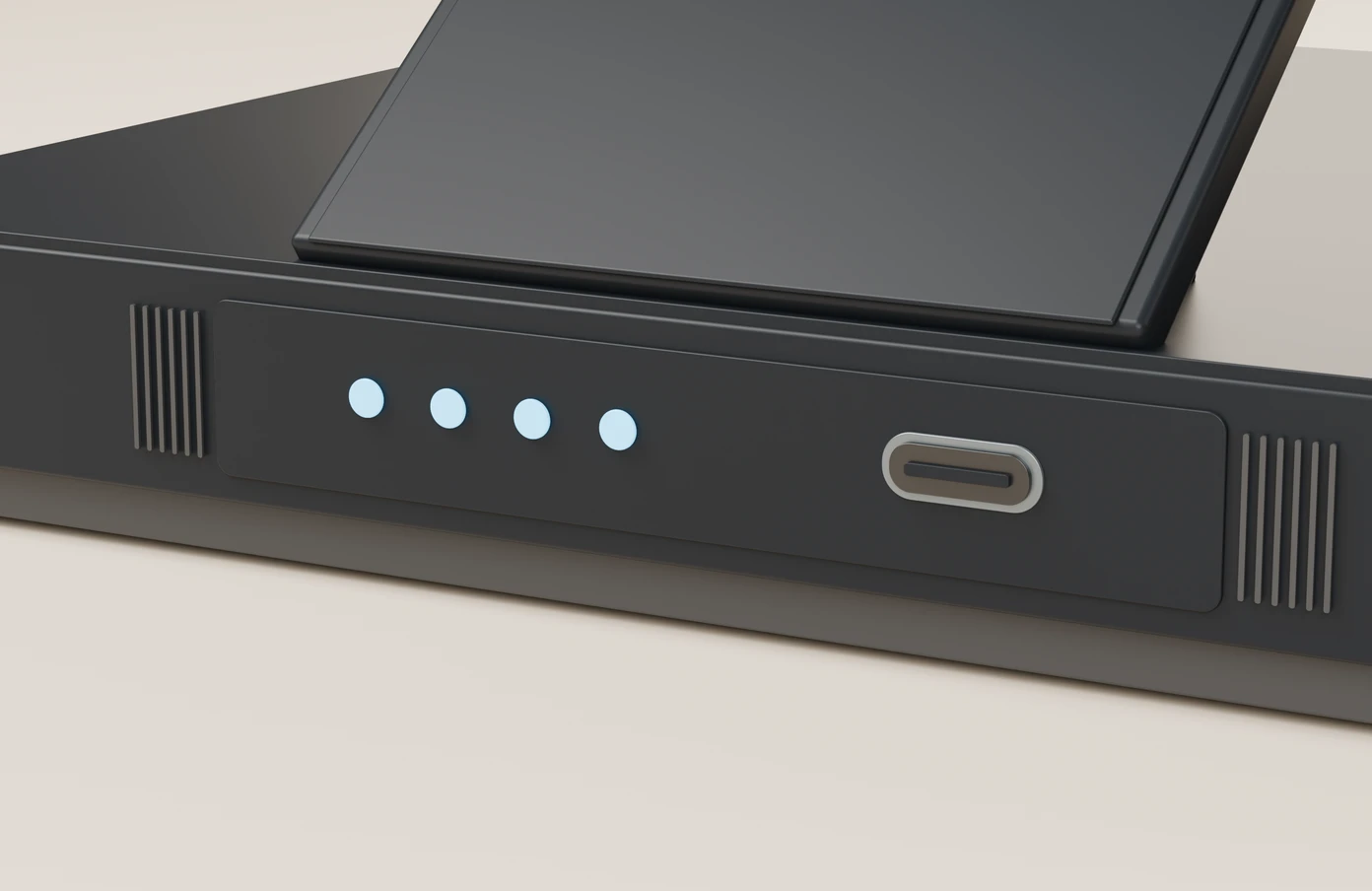
Powered through the base. A USB-C connection at the back, and 3-pin magnetic contacts carrying power up to the tablet.
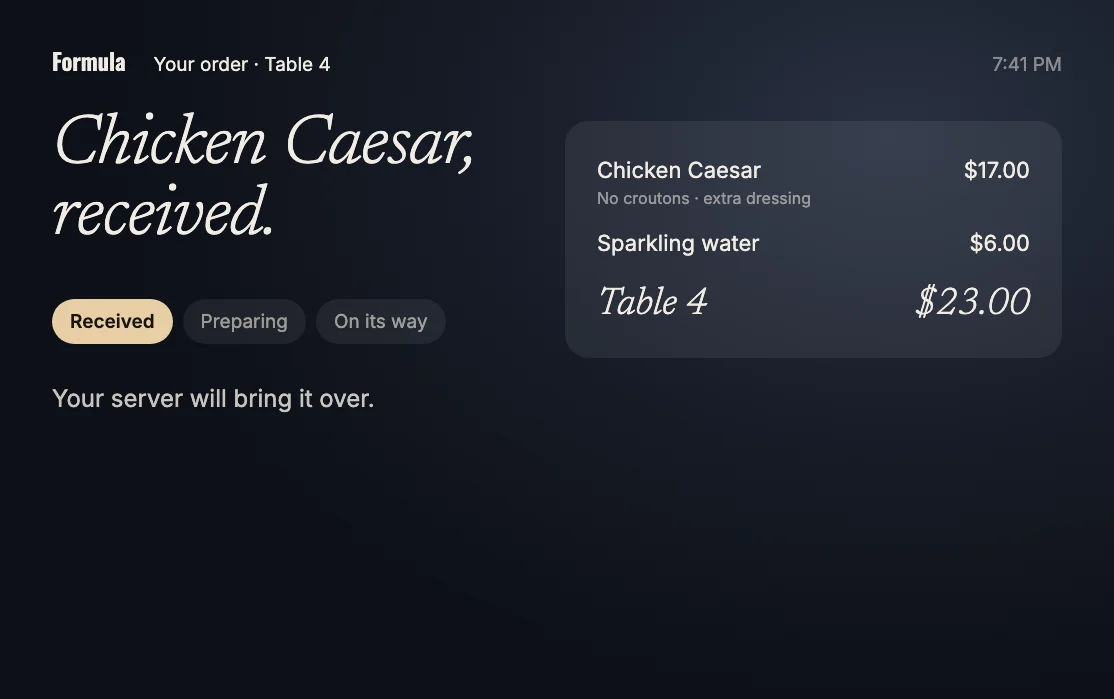
Chosen and sent from the screen.

Every detail, every add-on.
Table 4
Illustrative order
And the guest sees the status.
Formula runs different software depending on where it sits, so one piece of hardware covers your whole venue.
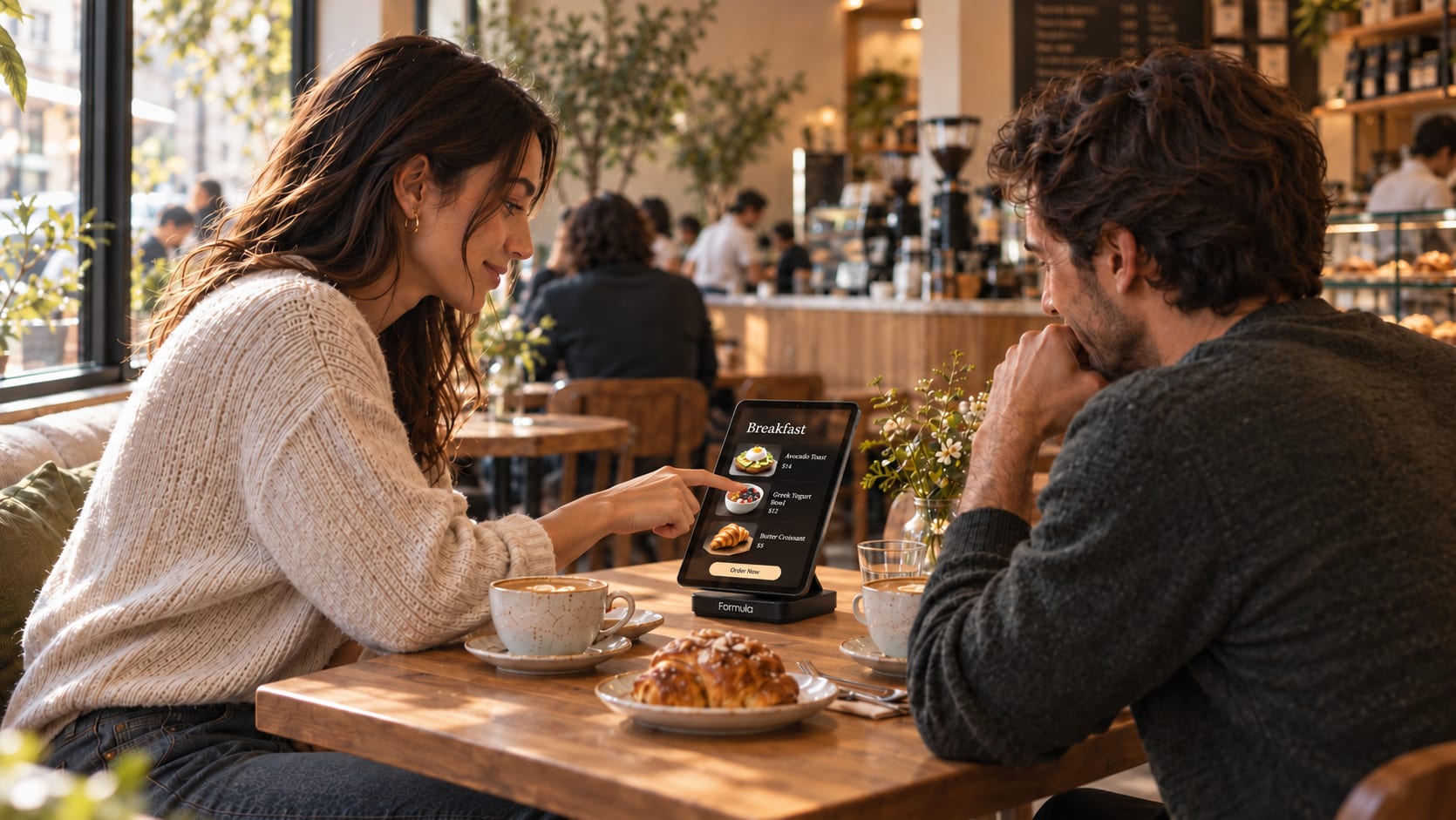
Restaurants. Show specials, take orders and keep guests updated on their food.
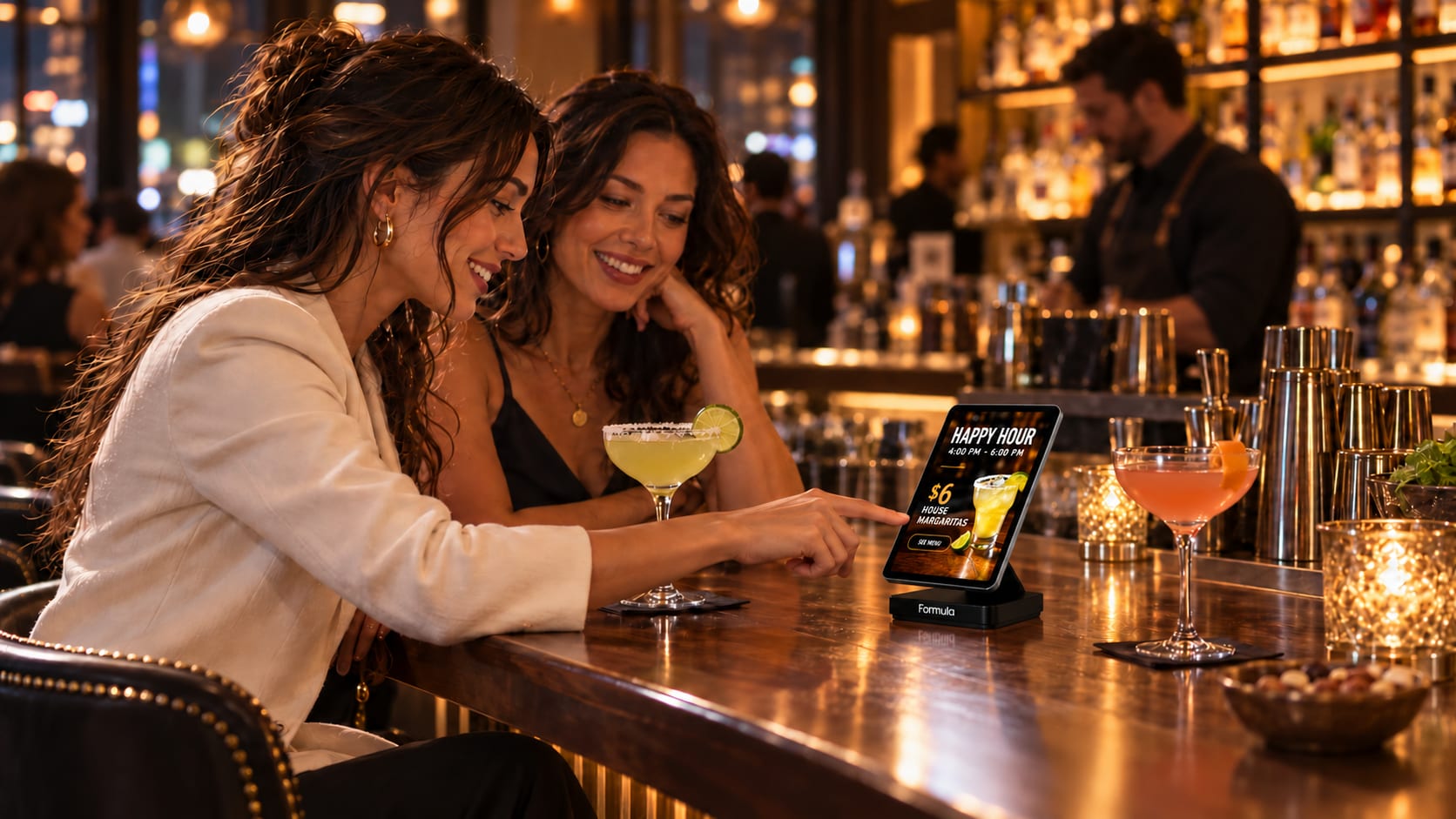
Bars. Promote happy hour and let guests order another round without waving anyone down.
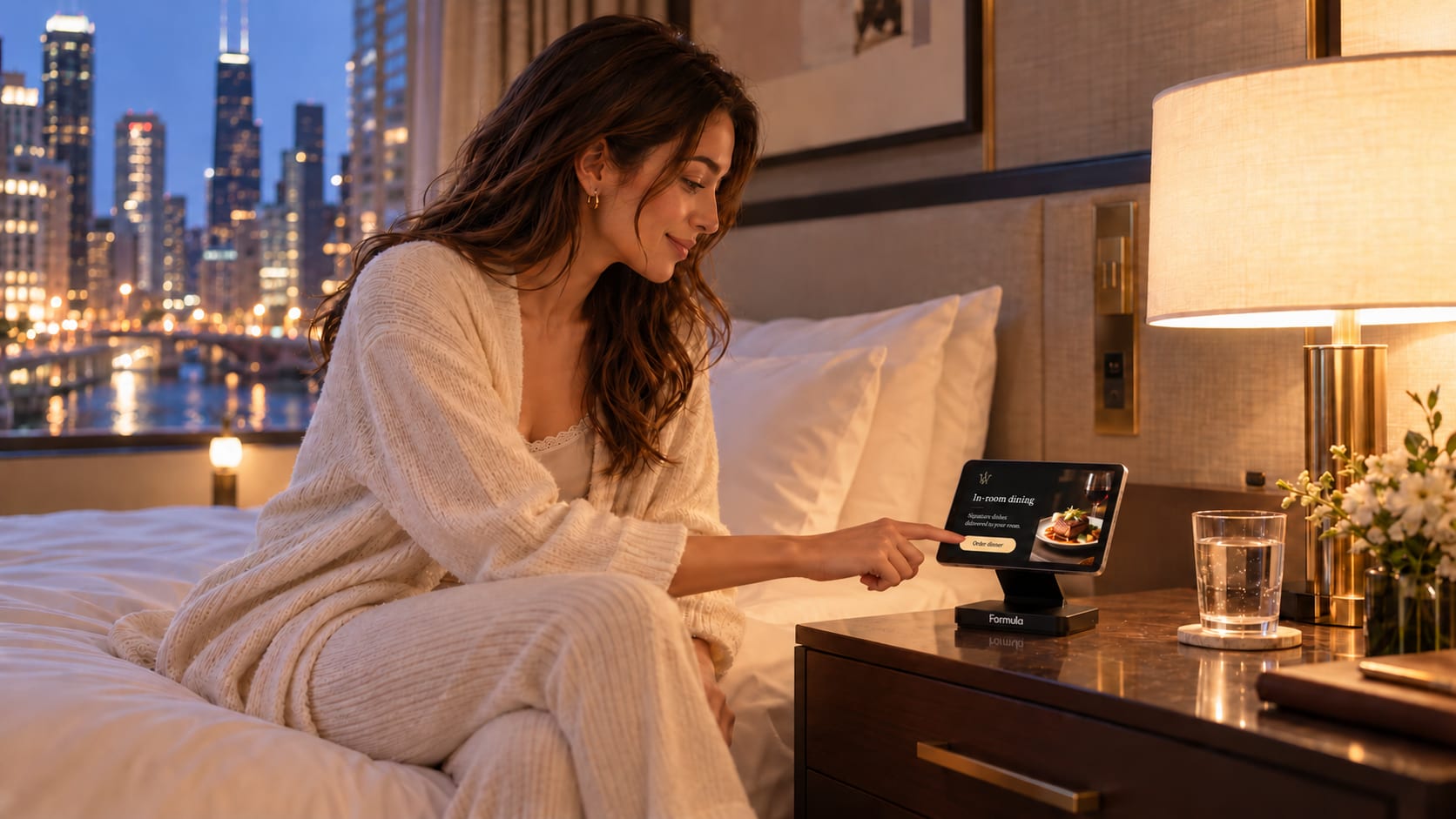
Hotel rooms. Room service, amenities and guest information, right at the bedside.
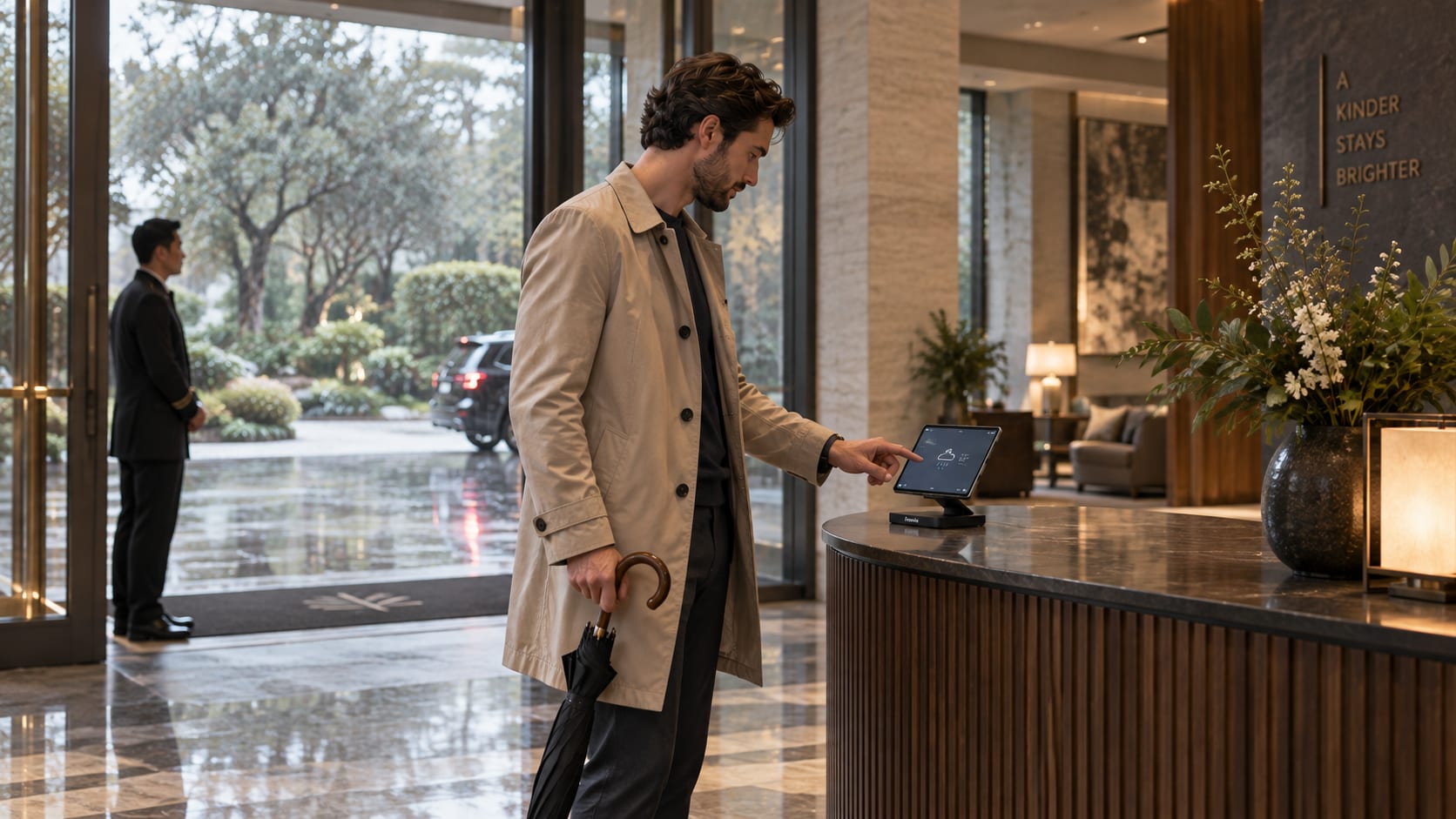
Lobbies and front desks. Check-in help, dining hours, events and local guides for guests on the move.
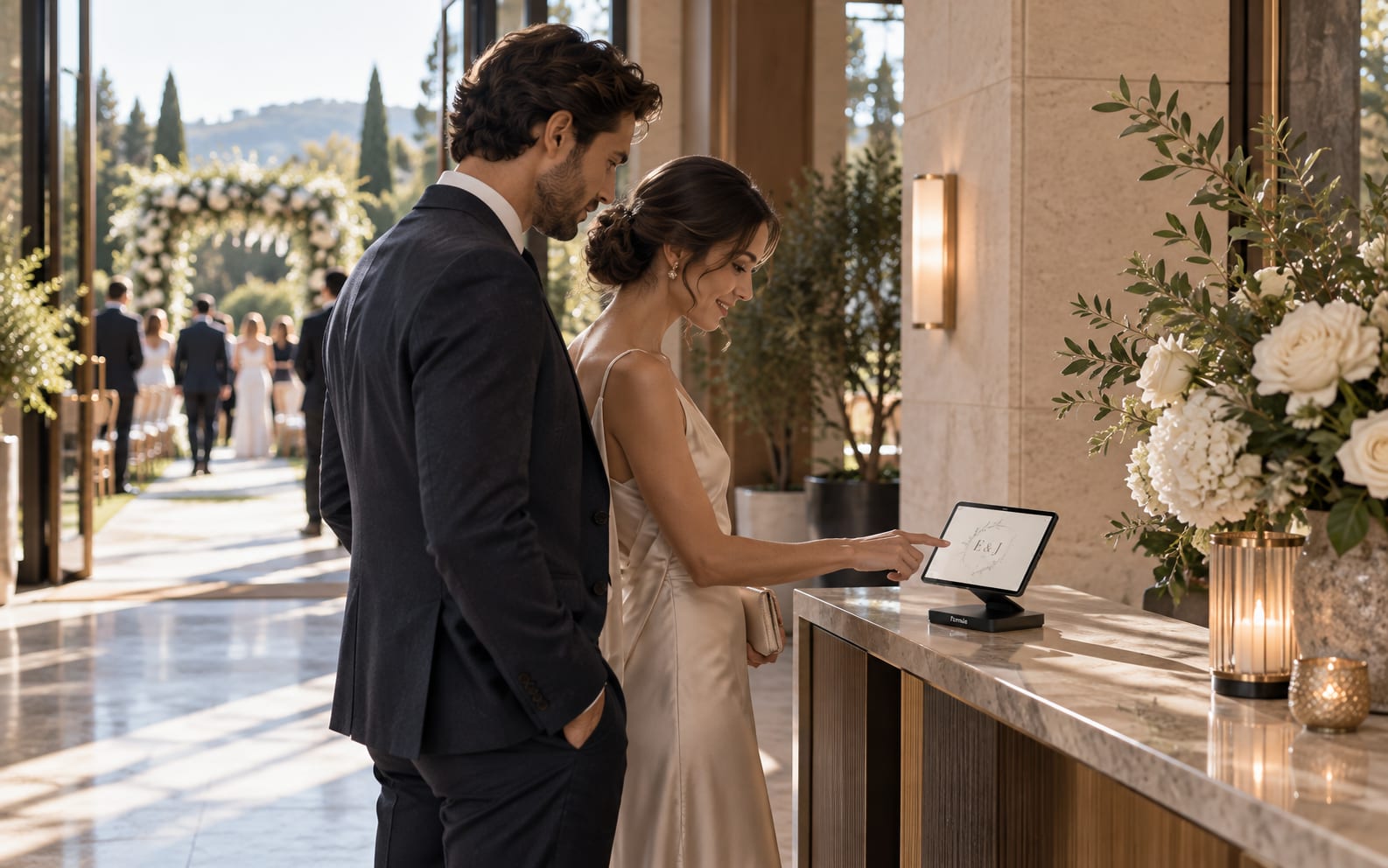
Events. Schedules, maps and guest check-in on one screen.
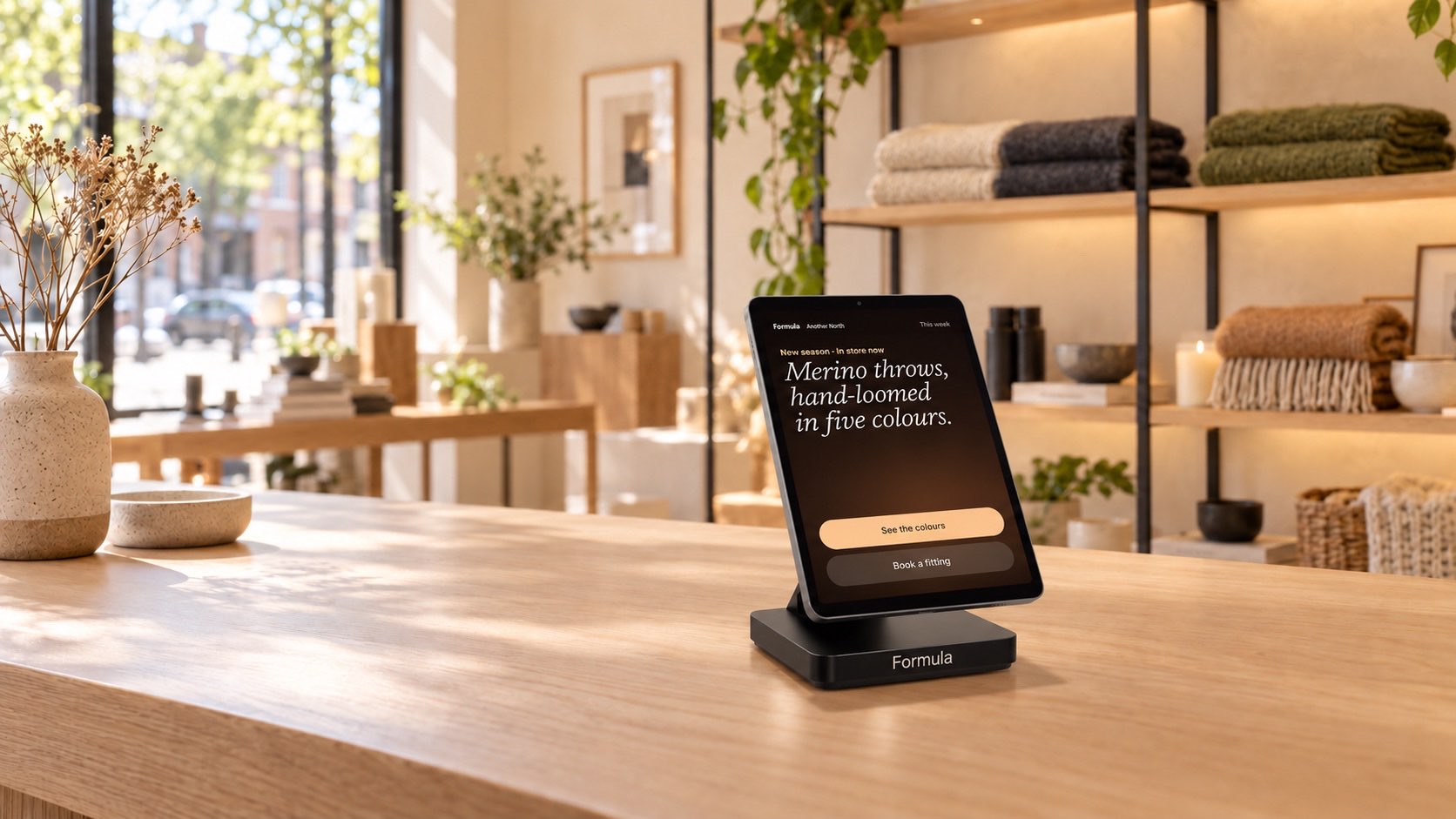
Retail and small shops. Feature products, offers and appointments at the counter.
Formula runs on our own operating system, so we can build the app your venue needs. Five we could start from:


We walk your space and decide which tables, rooms or counters start first.
Menus, offers and branding are set up once and sent to every device.
One section, one shift. Your team sees real orders before anything scales.
Expand to the full floor and fine-tune around what guests actually use.
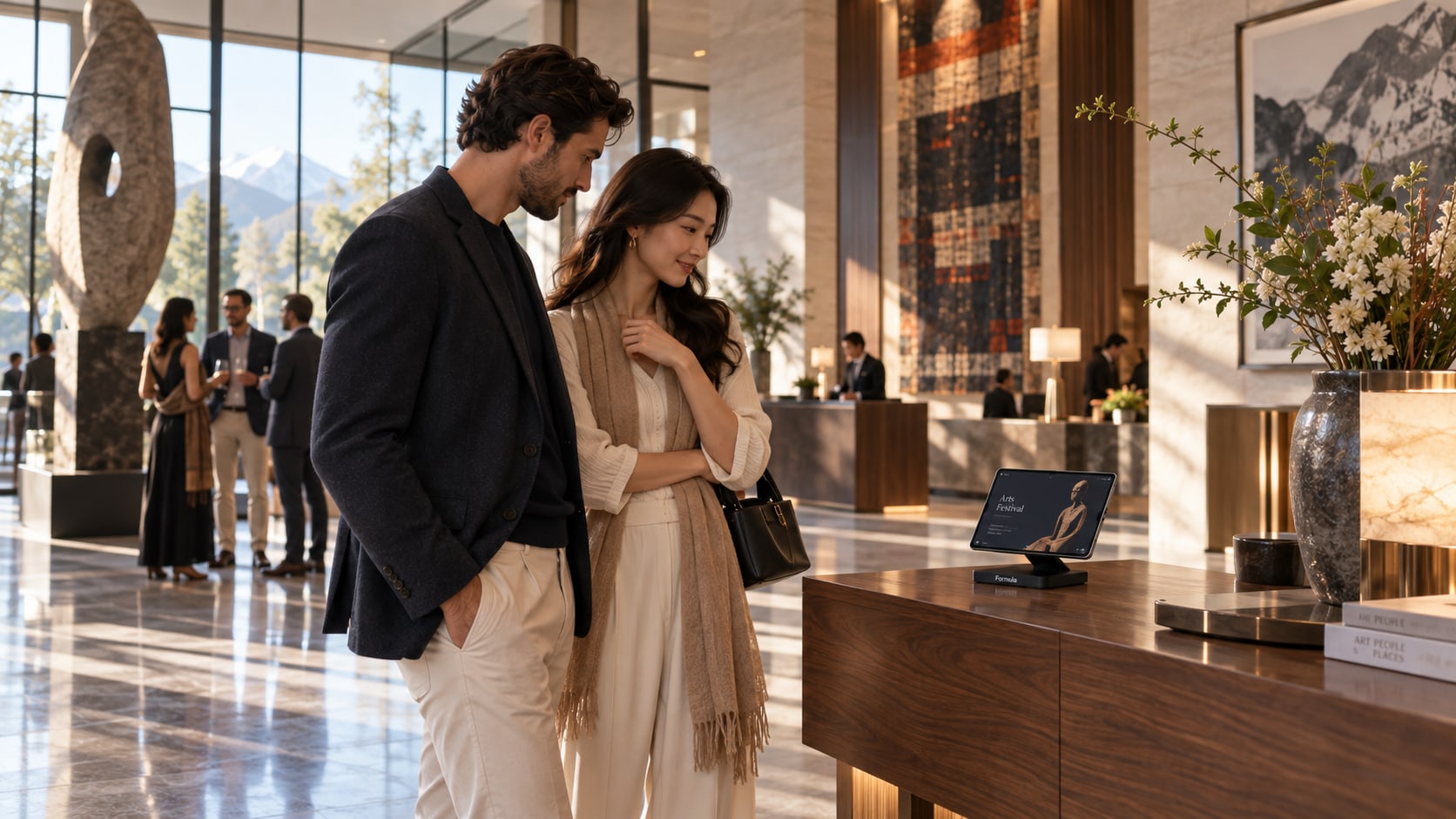
Push posters, videos and live widgets to every screen in your venue at once.
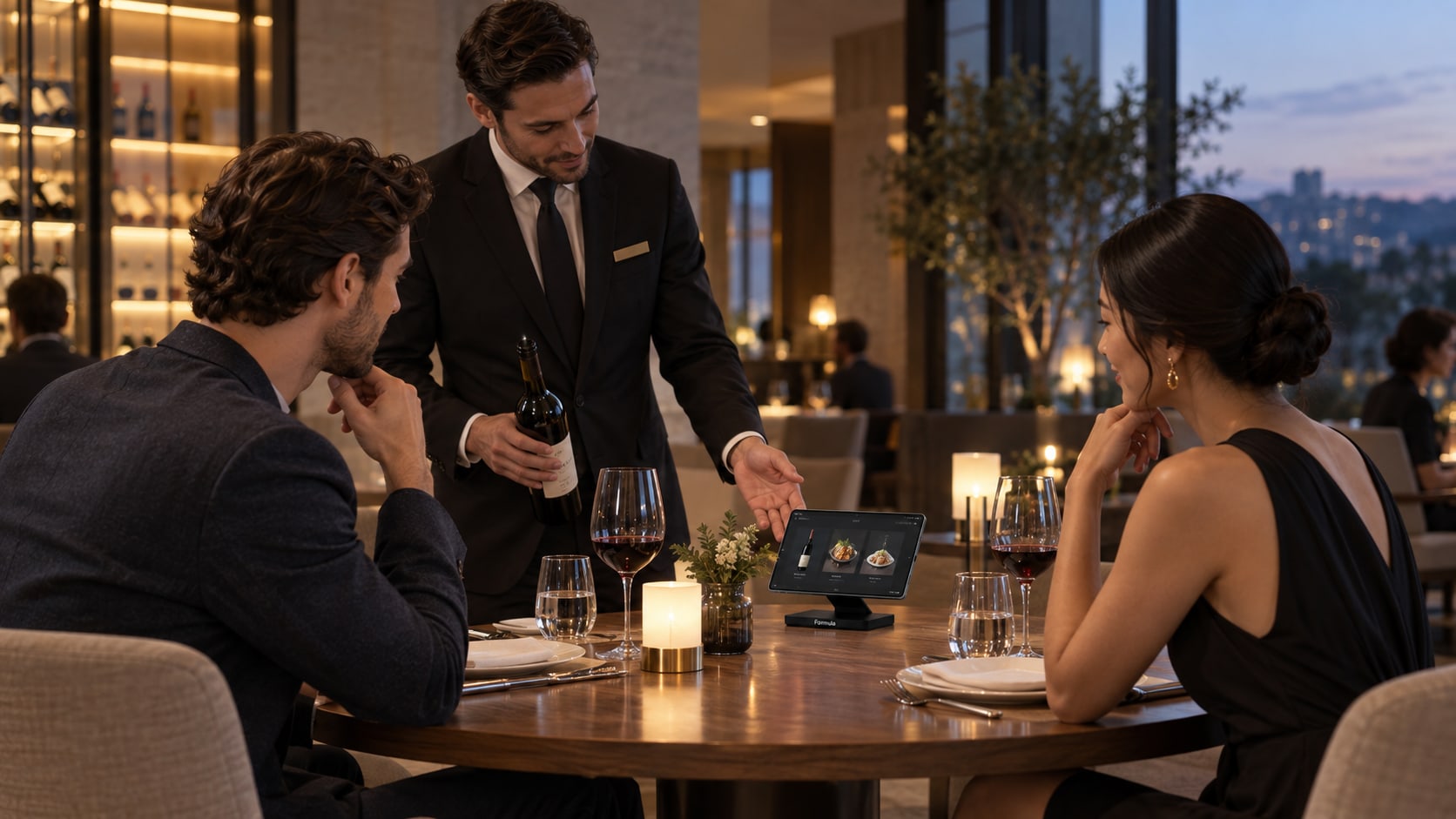
Table-side ordering with a dashboard built for your kitchen and your floor.
Both run on the same Formula hardware, so you can start with one and add the other when you’re ready.
A compact tabletop device with a machined aluminium base. The screen lifts off on a magnetic quick-release, and its battery keeps it going away from the cable.
Drag to turn it
Piloted with an international hotel brand and independent restaurants.
Built by Bottle Payments
No. Formula works alongside your existing POS, PMS and payment provider. Nothing you use today needs to be replaced.
Venue Wi-Fi, your current menu or rate sheet, and one person on site we can work with. We handle setup and content loading.
Most venues go from first table to full floor in about four weeks, starting with a small pilot section.
Yes. Start with the tables, rooms or counters that matter most, and add more when you’re ready.
Yes. We build custom apps on Formula OS, typically in 2 to 6 weeks, depending on what you need.
The tablet lifts off its base on a magnetic quick-release. Desk, wall and counter kits are available.
Pricing depends on the number of devices and the solutions you need. Talk to our sales team for a quote built around your venue.
See Formula working in your own space. Book a demo, or send us your questions.
Pricing depends on the number of devices and the solutions you need. Tell us about your venue and we’ll put a quote together around it.
Message us or email us.
WhatsApp usMessage us about your venue. Email us about a demoOpen a prepared email about your venue.Demonstration
Loading available times…